Site Walkthroughs
Master the art of quick and accurate site inspections.
Instructions
1 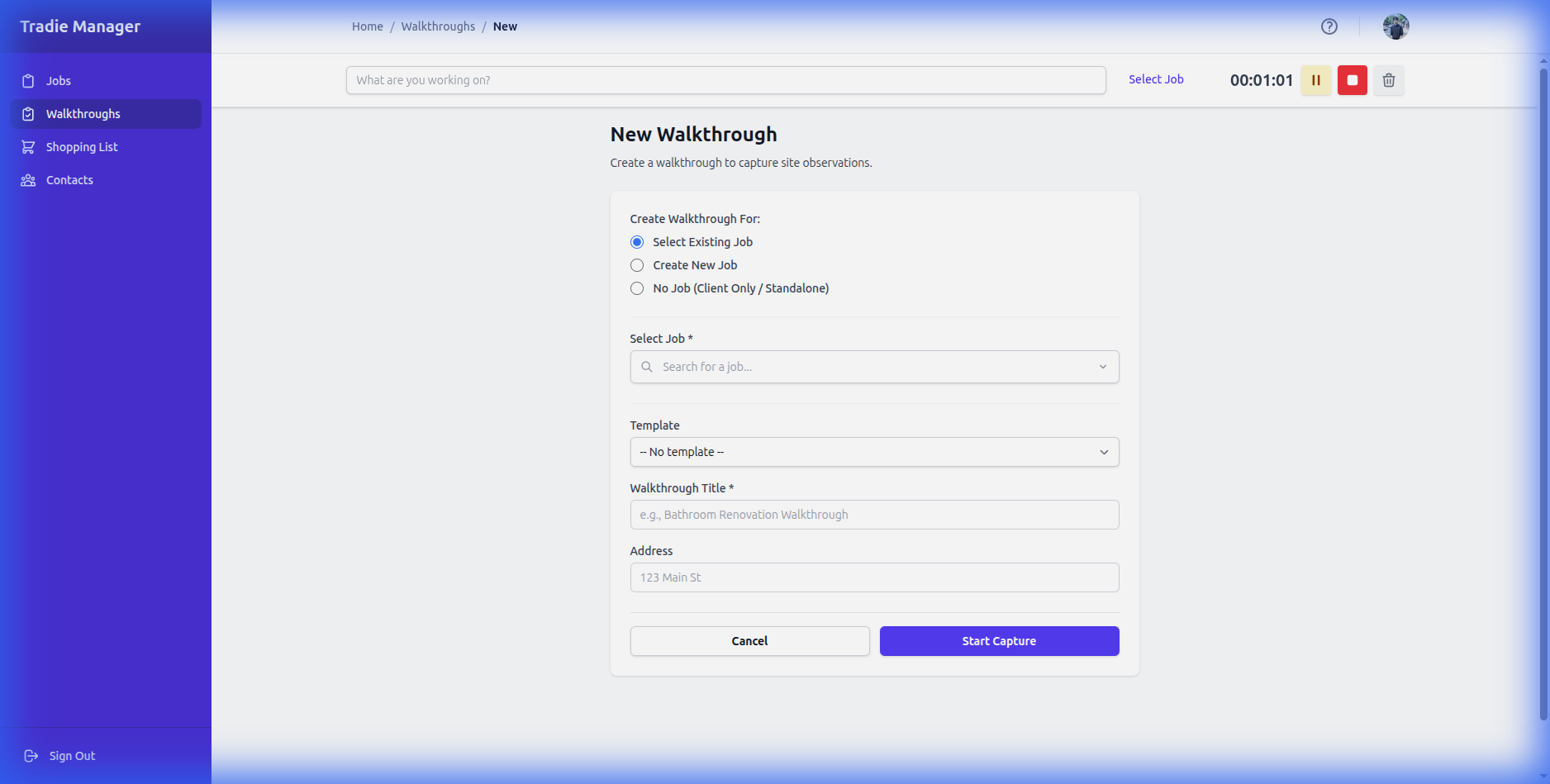
Starting a Walkthrough: From the dashboard, tap 'New Walkthrough'. This will open the capture screen.
2 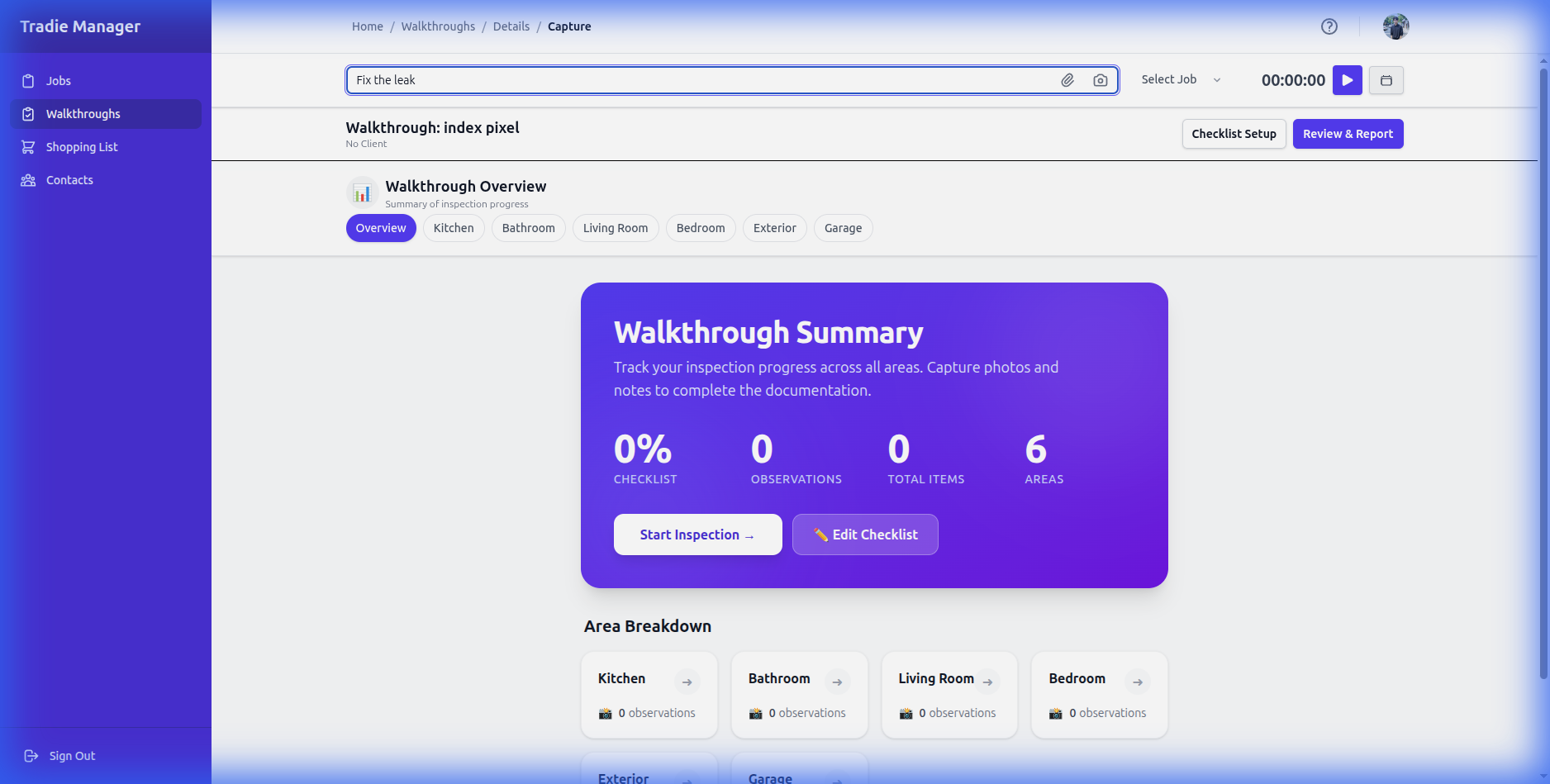
Capturing Observations: Use the 'Voice' button to speak your notes, or type them in. You can also take photos directly within the app.
3 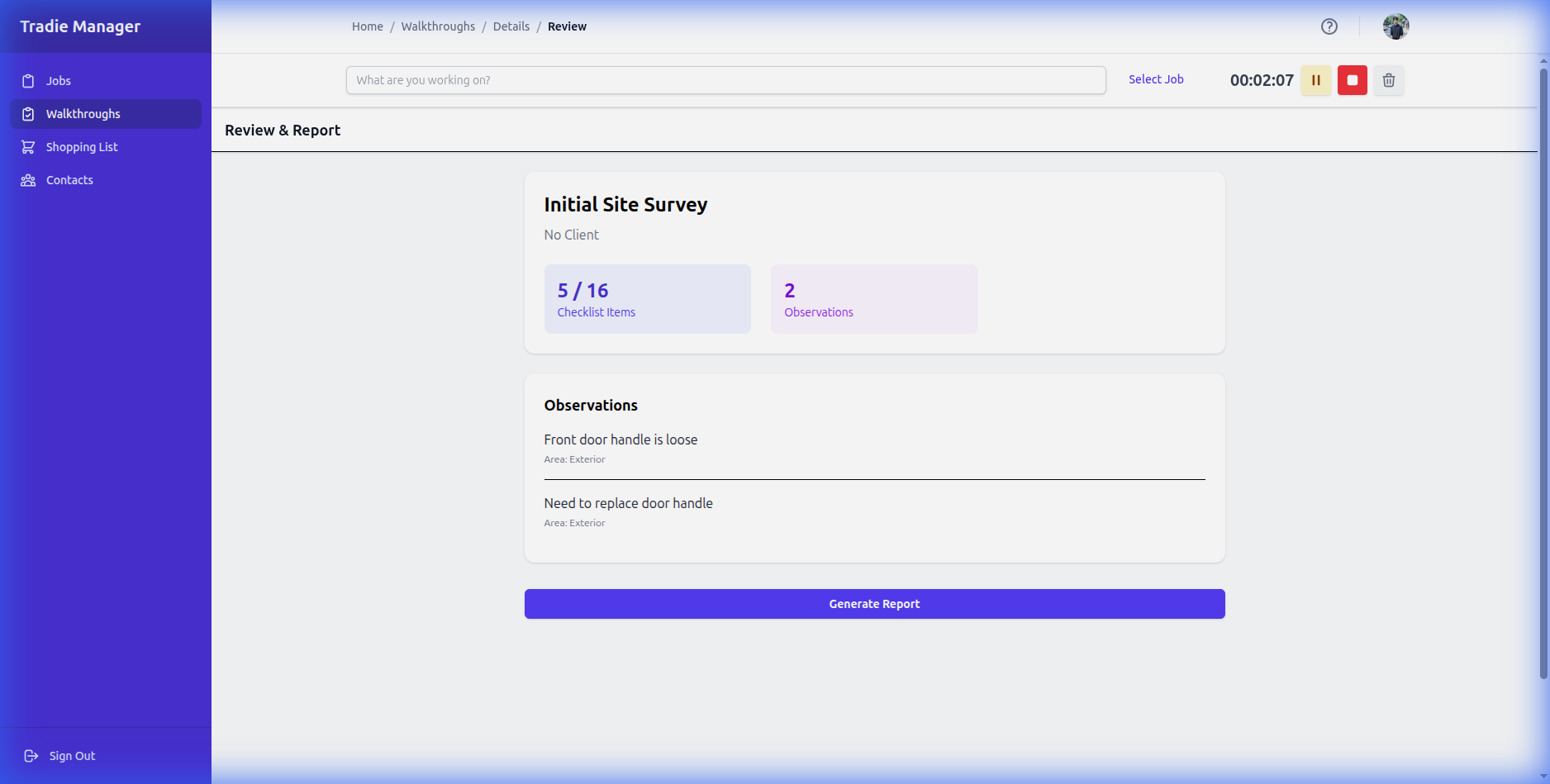
Reviewing: Once you've captured everything, tap 'Review'. You can edit your notes and organize photos before finalizing.
4 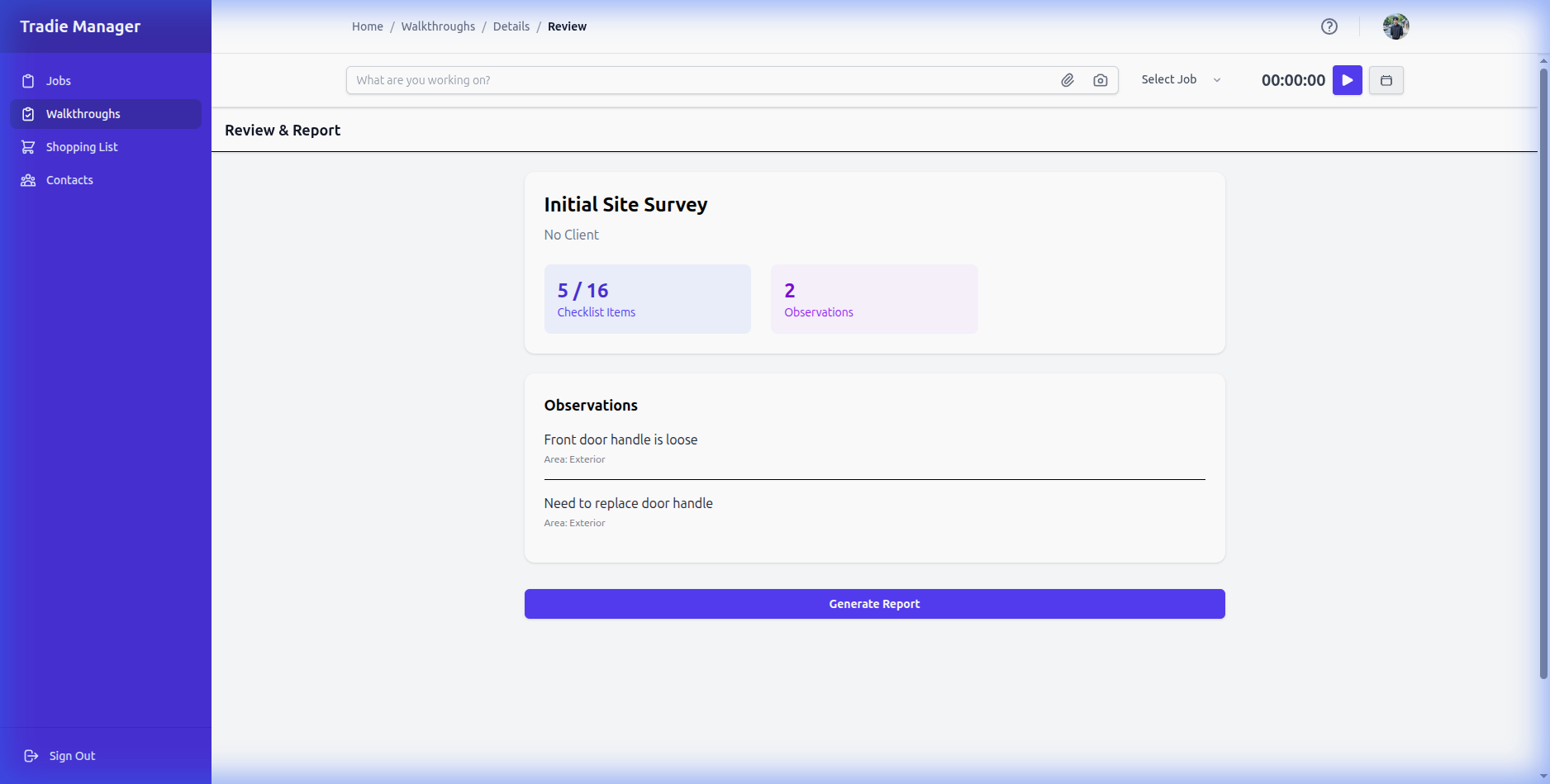
Converting to Tasks: After finishing a walkthrough, you can select items to turn into actionable tasks for your team.
Still stuck?
Contact Support